
The Survey
Most EAs don't have a quick, easy way to answer their own questions about travel spend. A simple request usually means asking finance to run a report.
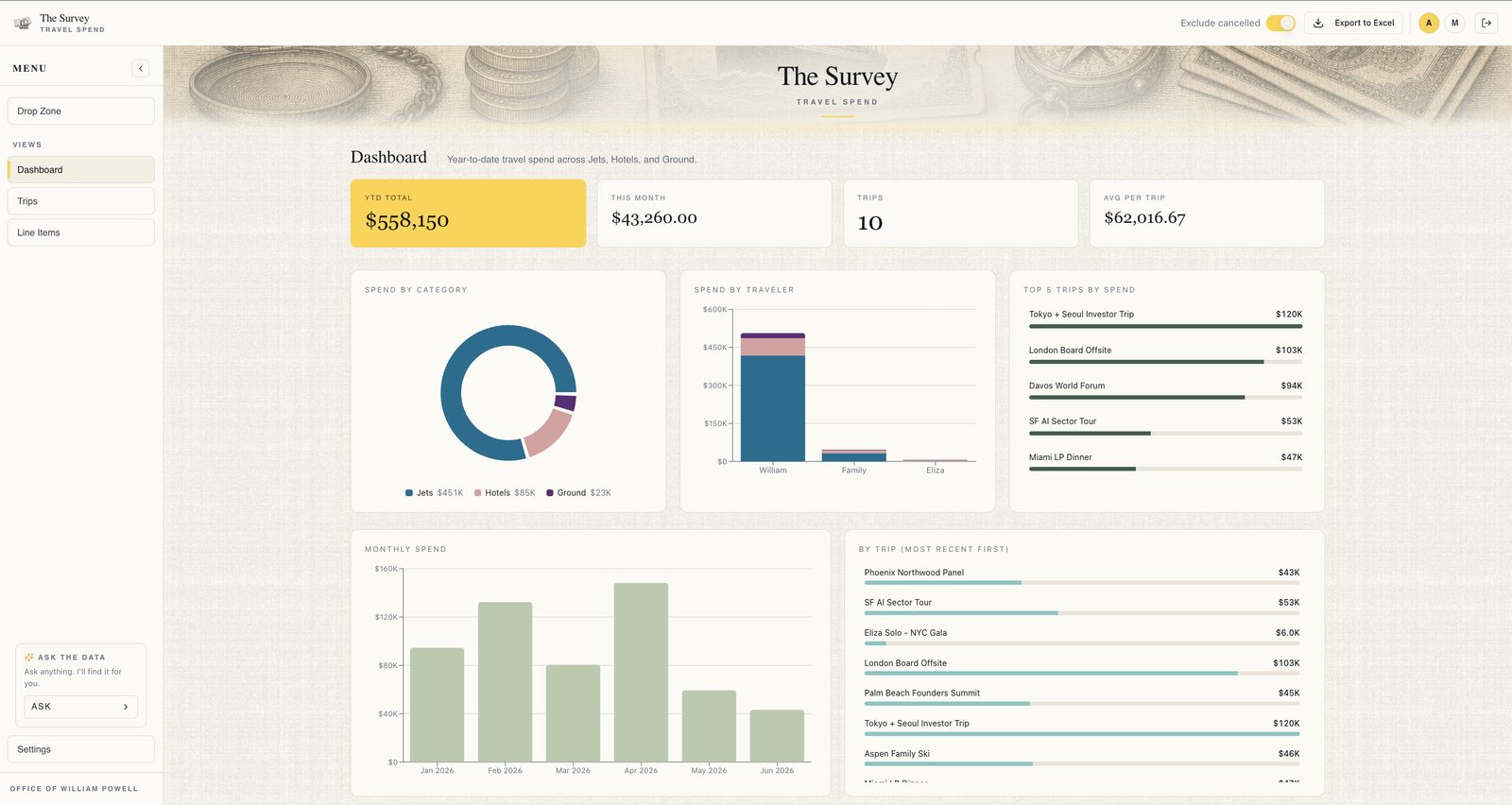
The Survey is the EA's own view into the principal's spending: customizable charts, dashboards, and an AI chat that answers plain-English questions without ever opening a spreadsheet.
Answers, without the spreadsheet.
01Just ask
A built-in AI chat answers plain-English questions about the data, so the EA finds what they're looking for in seconds, faster than scrolling spreadsheets or emailing finance for a report.
02Every number on one screen
Custom tiles track the quick numbers that matter most: YTD spend, average trip cost, trips this year. Below, sortable, filterable charts show how spend breaks down across the office.
03Wired into the suite
Trips flow into the Survey automatically from the Atlas, so the EA never builds the same trip twice. Widgets pull live data straight into the Cornerstone.
04The end of manual entry
Drop in a receipt, invoice, confirmation, or CSV and the Survey's AI parses the details, matches them to the right trip or category, and surfaces a clean line item to confirm.
Fed by the Atlas, surfaced in the Cornerstone: spend that keeps itself current.
See the Survey in your office.
The Build begins with a Blueprint: a two-week diagnostic that decides exactly which tools, configured exactly how your office moves work.